
Next Generation Roblox FastFlag Configuration Utility
Masterstrap provides client configuration tools with Windows, Android, iOS, and Lua downloads. macOS and Linux releases are planned. Take complete control of ClientSettings, optimize engine graphics, tune network latency, and apply curated game presets with a futuristic metallic titanium UI.
Architecture & Features
Built for Complete Control
FastFlag Configuration Engine
Add, edit, remove, and export custom FastFlags with built in validation. Effortlessly filter parameters and tune engine performance to your exact hardware preferences.
Global Profile
Set persistent baseline engine defaults once. Maintain uniform graphics and performance settings across all game launches.
Table Edit View
Advanced high density tabular view designed for rapid bulk modifications of flag parameters and key categories.
Bundled Game Presets
Pre packaged, curated FastFlag presets for competitive titles with seamless one click applying.
Ping Shield & Network
Configure available network settings and compare connection stability. Local settings cannot remove server or network delay.
Curated Collections
Game FastFlag Presets
All Game
Rivals

Masterstrap
Sailor Piece

TPS Soccer
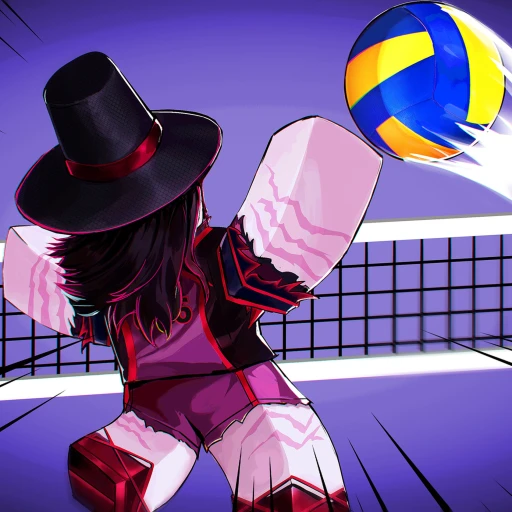
Volleyball

Blade Ball

Basketball

Blue Lock

Evade
Forsaken

JailBreak
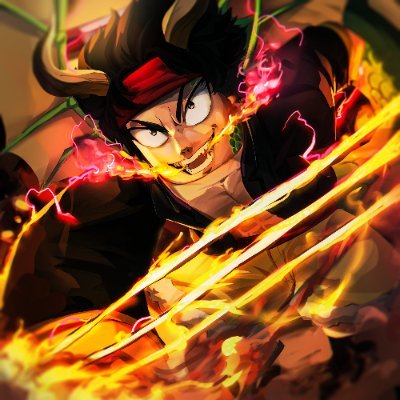
Blox Fruits
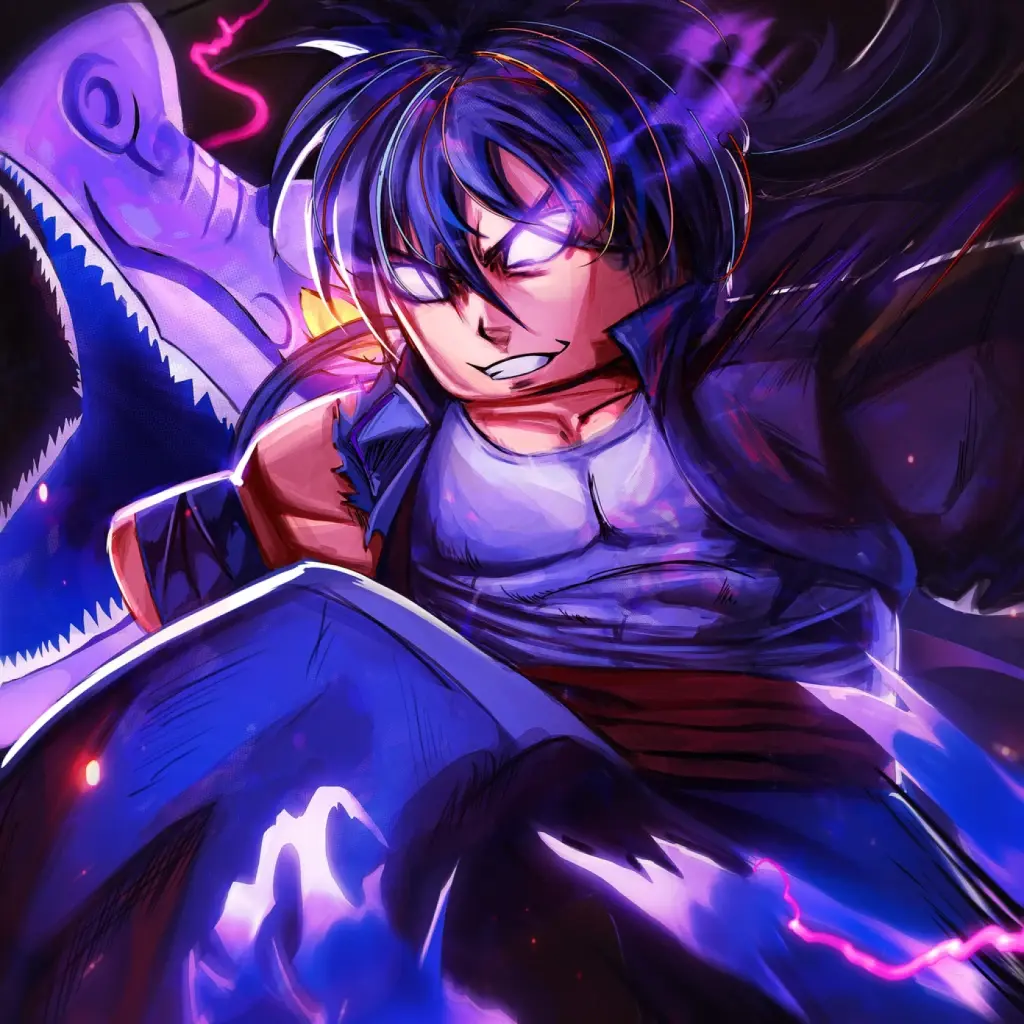
TSBG
Help & Documentation
Frequently Asked Questions
Windows Defender SmartScreen may display a warning for newly released setup binaries that haven't accumulated widespread reputation metrics yet. To unblock:
- Right-click MasterstrapSetup.exe and choose Properties.
- Under the General tab, check Unblock at the bottom.
- Click Apply, then OK, and launch setup normally.
The Windows source is published on GitHub. Review the source, release notes, and permissions before installing. Source availability does not guarantee account safety or compatibility with future client updates.
Yes. We publish an official Android APK release enabling full FastFlag ClientSettings customization directly on mobile Android devices.